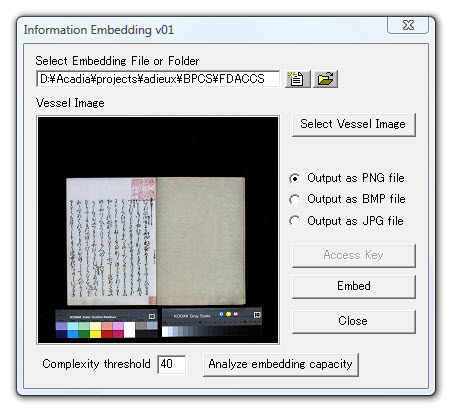
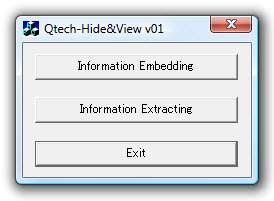
BPCS Steganography Qtech-Hide&View starts by offering the user a choice of embedding or extracting:
On selecting Embedding, the user is then prompted for the name of the "vessel" image, a complexity threshold, and an output format.
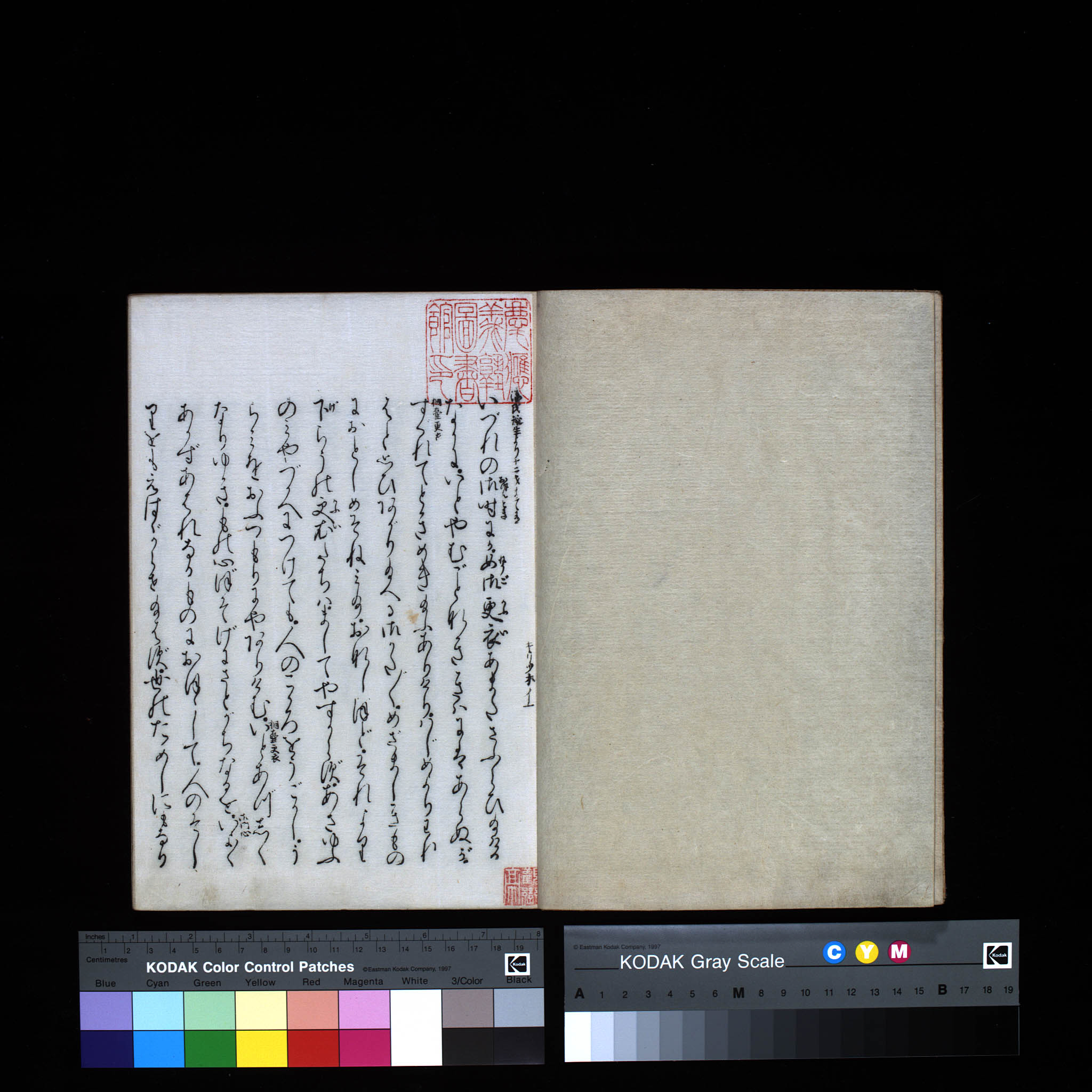
On clicking the Embed button, the 2.5MB of data is successfully embedded, resulting in a portmanteau ("stego") file called gm-1.emb.png (3.3MB). It should be noted that the final file is larger than the sum of its components (2.8MB), but the expansion is less than 20%. What is important is that a portmanteau has been created. To other software it behaves as a normal, though unusually large, PNG file. This is key to facilitating Web-based delivery of archival documents: unlike JPEG2000 images, PNG files can be displayed in standard browsers for researchers to view and download. As is demonstrated here (CT: 40), to the human eye the portmanteau file appears virtually indistinguishable from the original (empty) vessel file gm-1.jpg. Continued |
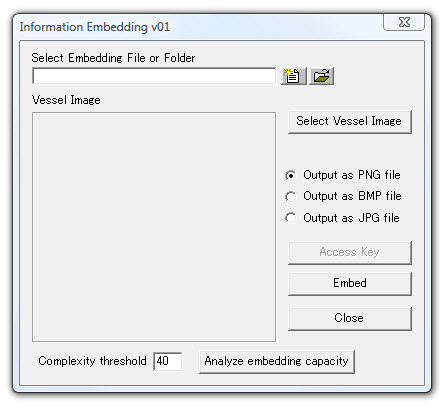 The next step is to read in a candidate vessel (which must be no larger than 3200x3200 pixels), in this case
 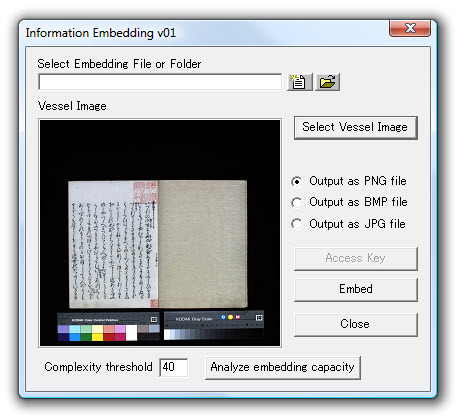 One can then determine the embedding capacity for a given complexity threshold (here 40, the default value):
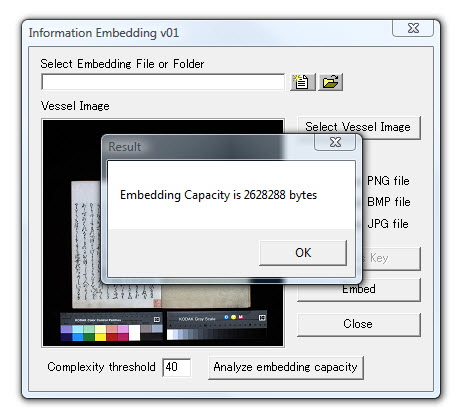 The size of the vessel is 351KB (359775 bytes), so the capacity is 7.3 times the original size (2.5MB). To demonstrate this is possible, a folder of size 2.5MB is selected for embedding: